Parviz for Mac · Beta

Focus on your task.
Let Parviz organize and declutter your sessions.

Works with the tools you already use

  • Claude
  • OpenAICodex
  • Telegram · optional

What users say

  • “Today, Parviz has been brilliant - really enabled me to crunch through stuff (and burn my tokens lol). Well done on getting the thing to be very focused on action and actually being helpful!”

    Already recommending Parviz to his friends.

    Paul

  • “What I like about Parviz is that an idea doesn't have to sit in my notes until I get back to my desk. I can send a request while I'm out and have it start working on research or a project. That makes spare moments feel useful.”

    Daniel

  • “My work involves a lot of moving pieces, and I'm tired of explaining the same background to different AI tools. Parviz helps me keep my files and project context together. Whether I'm planning a campaign or sorting out my week, it's easier to pick up where I left off.”

    Maya

  • “I'm always coming up with business ideas, but finding time to explore them is another story. With Parviz, I can get help organizing my thoughts, researching a direction, and putting together a first plan. It helps me move past the blank page without making the process feel complicated.”

    Chris

  • “The everyday uses surprised me most. I started thinking about Parviz for work, then realized it could also help with reminders and routines that change from day to day. Having one place to ask for help with both personal tasks and projects makes it genuinely useful.”

    Aisha

  • Alfonso

    Read Alfonso’s story
  • “You just talk and it talks back to you”

    Two recordings joined into one testimonial.

    Daniel

    Read Daniel’s story
  • “I work on marketing projects, so there are always files to find and ideas to follow up on. Parviz helps me keep that work organized and get started on things like campaign planning. I still make the decisions, but there's less busywork between an idea and the next step.”

    Ben

  • “I've spent too much time deciding which AI chat or old conversation has the right context. Parviz makes it simpler to send a request and get on with my day. I use it across different projects, and I appreciate having a more consistent place for the information behind them.”

    Sofia

  • “Parviz is useful when I'm away from my computer and remember something I need to do. I can send the thought over instead of hoping I remember it later. For me, that's handy for follow-ups, planning, and the little tasks that otherwise pile up.”

    Marcus

  • “I don't consider myself especially technical, so a complicated setup can put me off a tool entirely. Parviz feels more approachable for the things I actually want help with: organizing files, keeping projects moving, and making use of AI in my regular workflow. I can see myself using it often.”

    Elena

  • “Running an e-commerce business means switching between product ideas, marketing, and day-to-day planning. Parviz gives me a way to work through those tasks without starting from scratch each time. I like being able to share an idea when it comes up and return to it later with progress made.”

    Ryan

Some names changed at users' request; words edited for length.

Private by design

Parviz
  • Time Hackers Lab servers, encrypted
  • Your Mac only
  • The server or database of your choice

Parviz replaces none of your files. It sits on top of your setup.

Backward compatible

Parviz
A layer on top

Your existing files & setup

  • CLAUDE.md
  • Memory
  • Skills
  • MCP servers
  • Connectors
  • Data
Your files stay in place. Your setup works as it is.
Setup backups & uninstall

Setup backs up files before changing them. Uninstall reverses Claude Code approvals, but does not undo settings restored from your profile.

Live

Watch Parviz think.

Every file a session reads or changes lights up, with the session’s name.

Live mock-up · real files and public code folders, made-up sessions · drag to turn · hover or tap for names

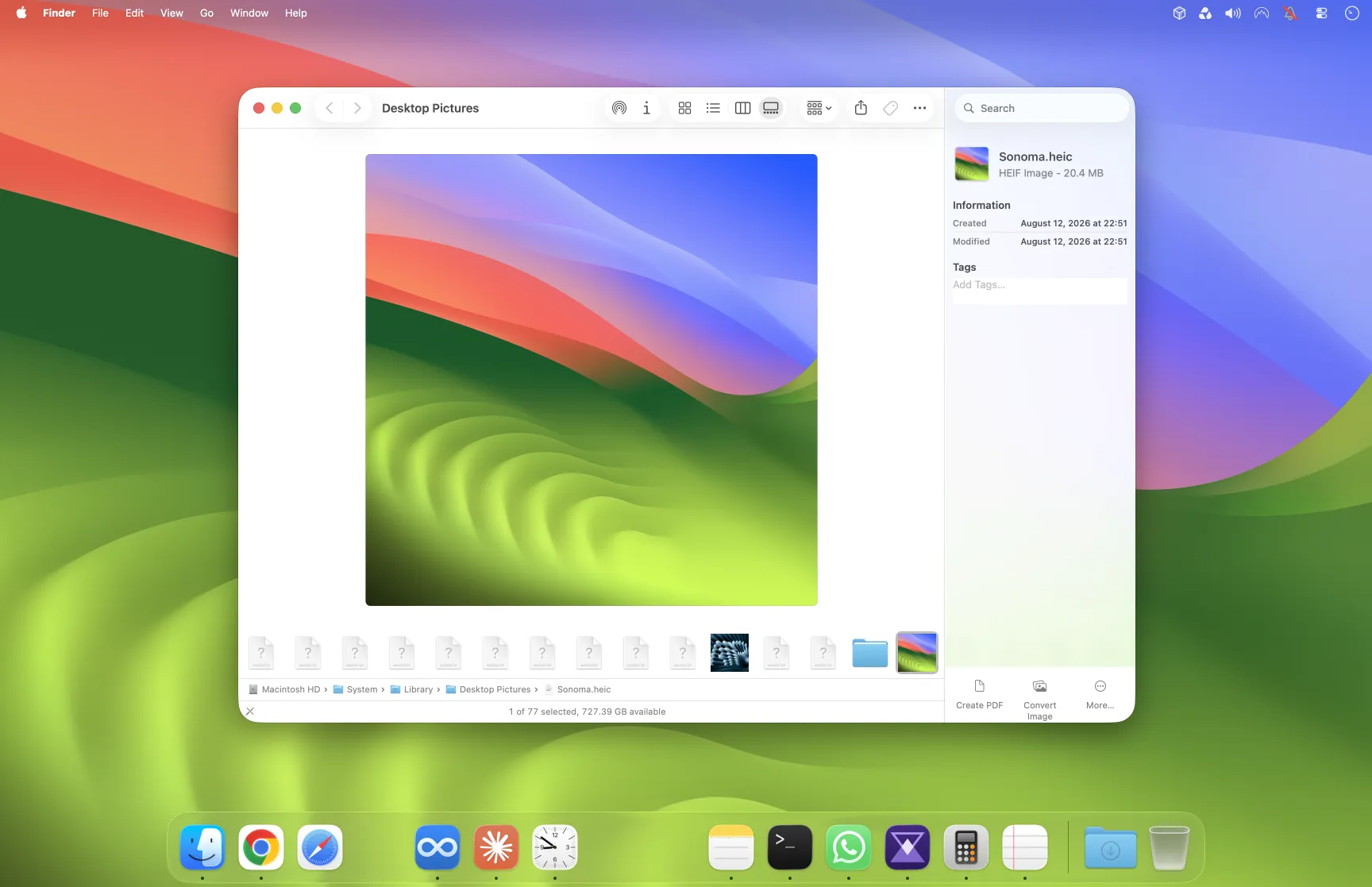
Say it. It’s done.

Press a key, say what you need.

See how voice works
Hover the widget. Parviz’s own voice and subtitles.

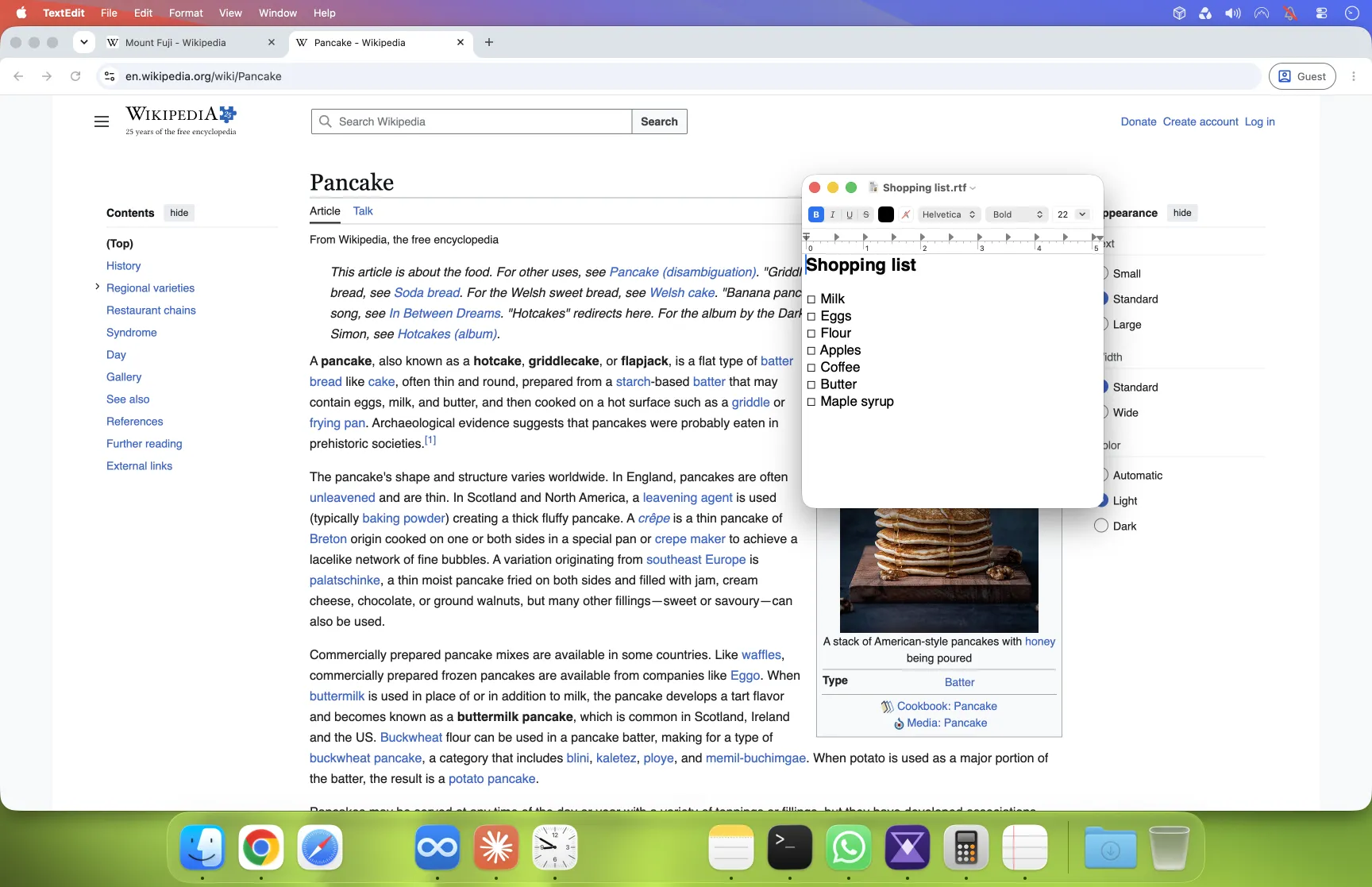
Take pictures while you talk.

Tap the camera. Parviz sees your screen.
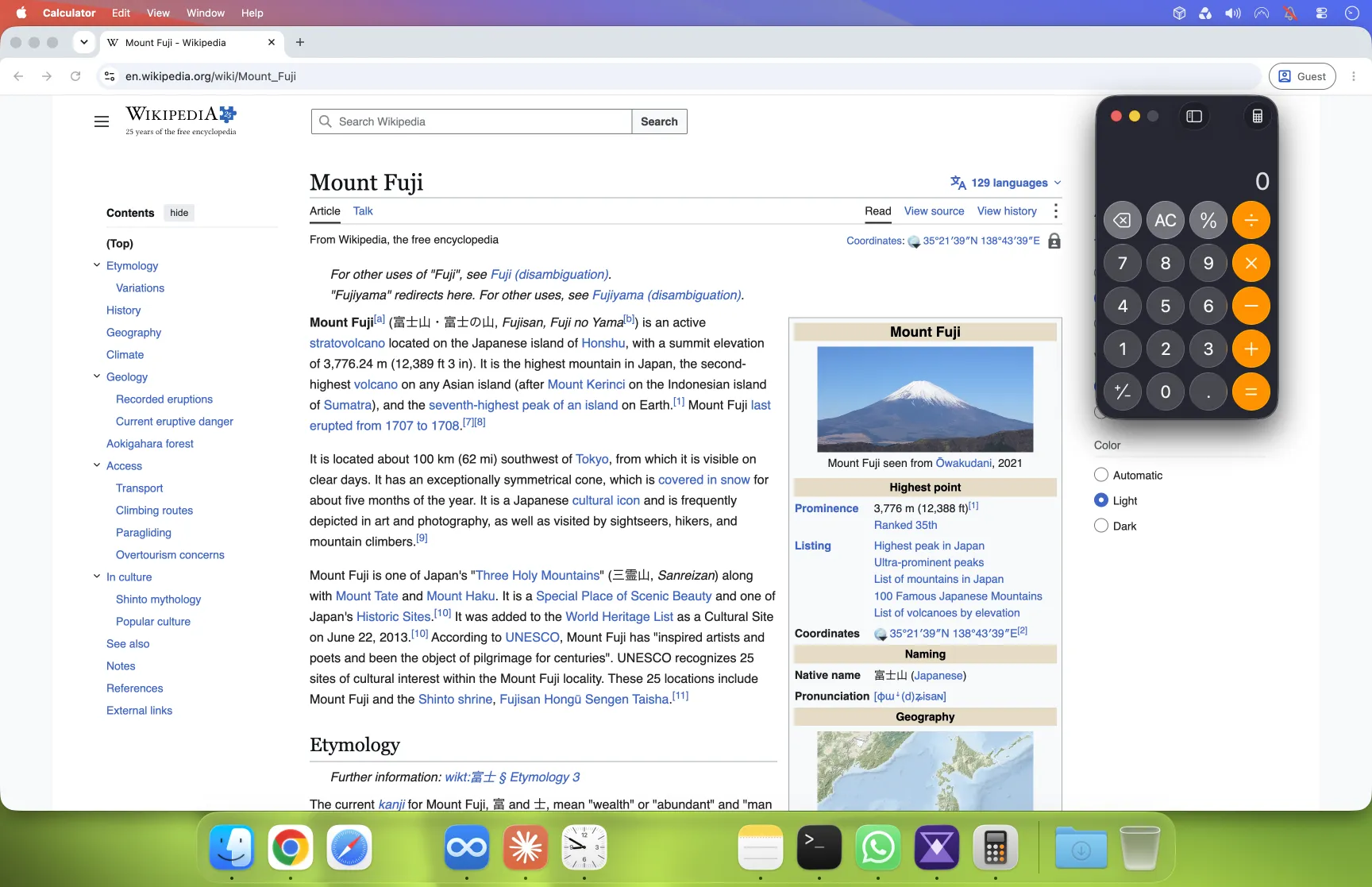
A Mac's desktop in use
Interactive mock-up · tap the camera

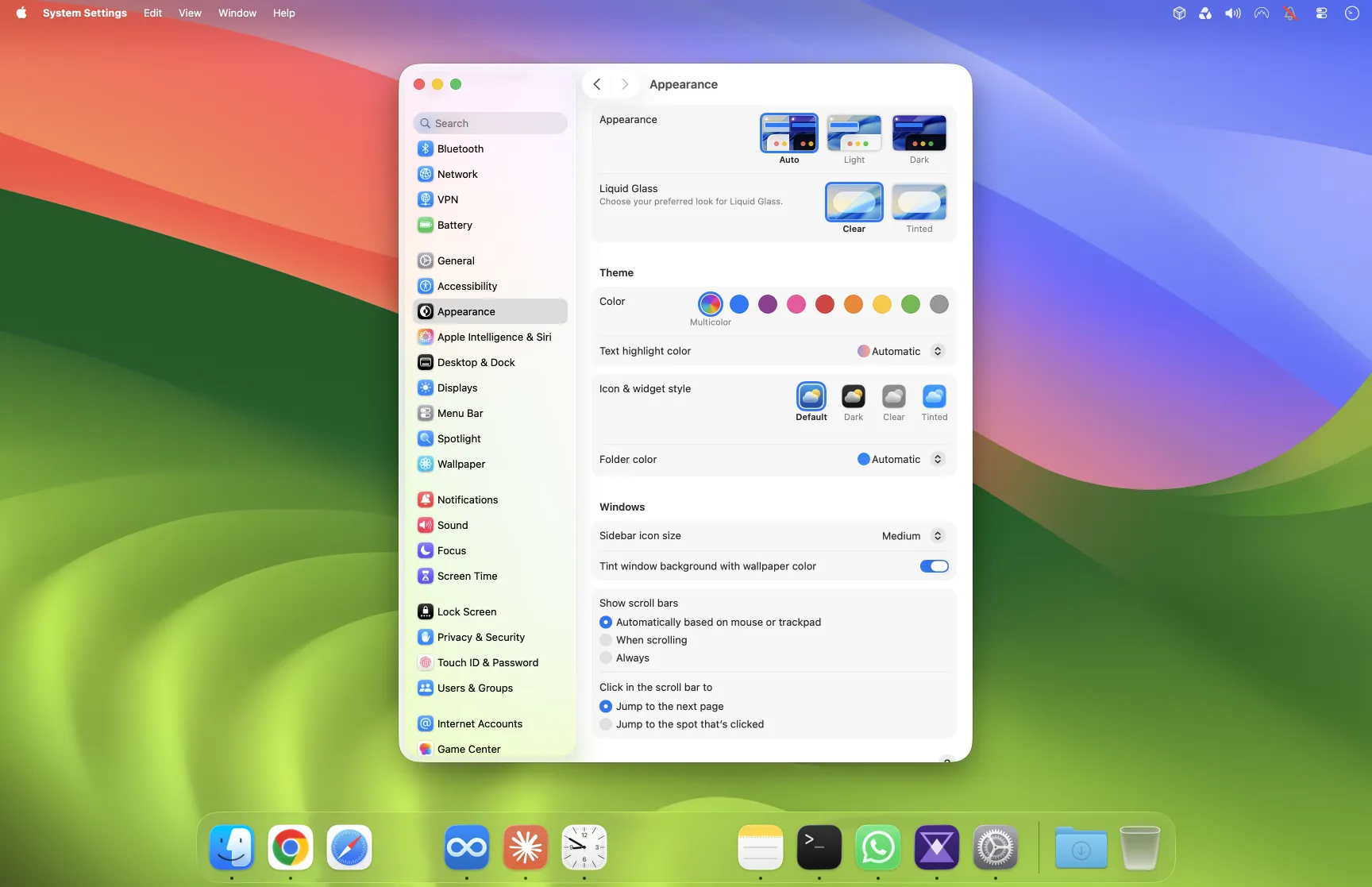
Ask where it is. See the arrow.

A green arrow lands on the button you asked about.
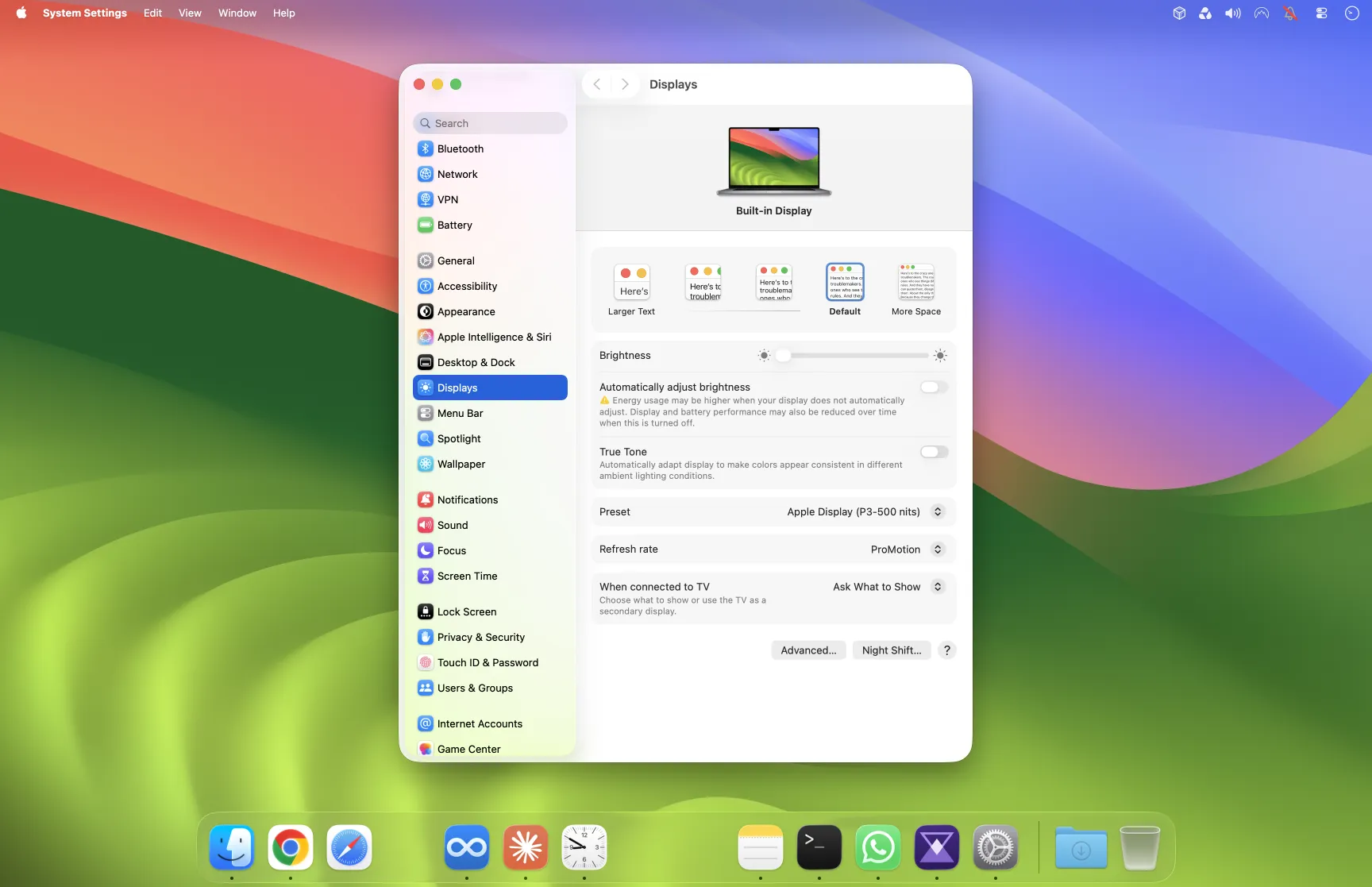
See how pointing works
A Mac's Display settings, open on the desktop

Click one of these

Interactive mock-up · ask where something is

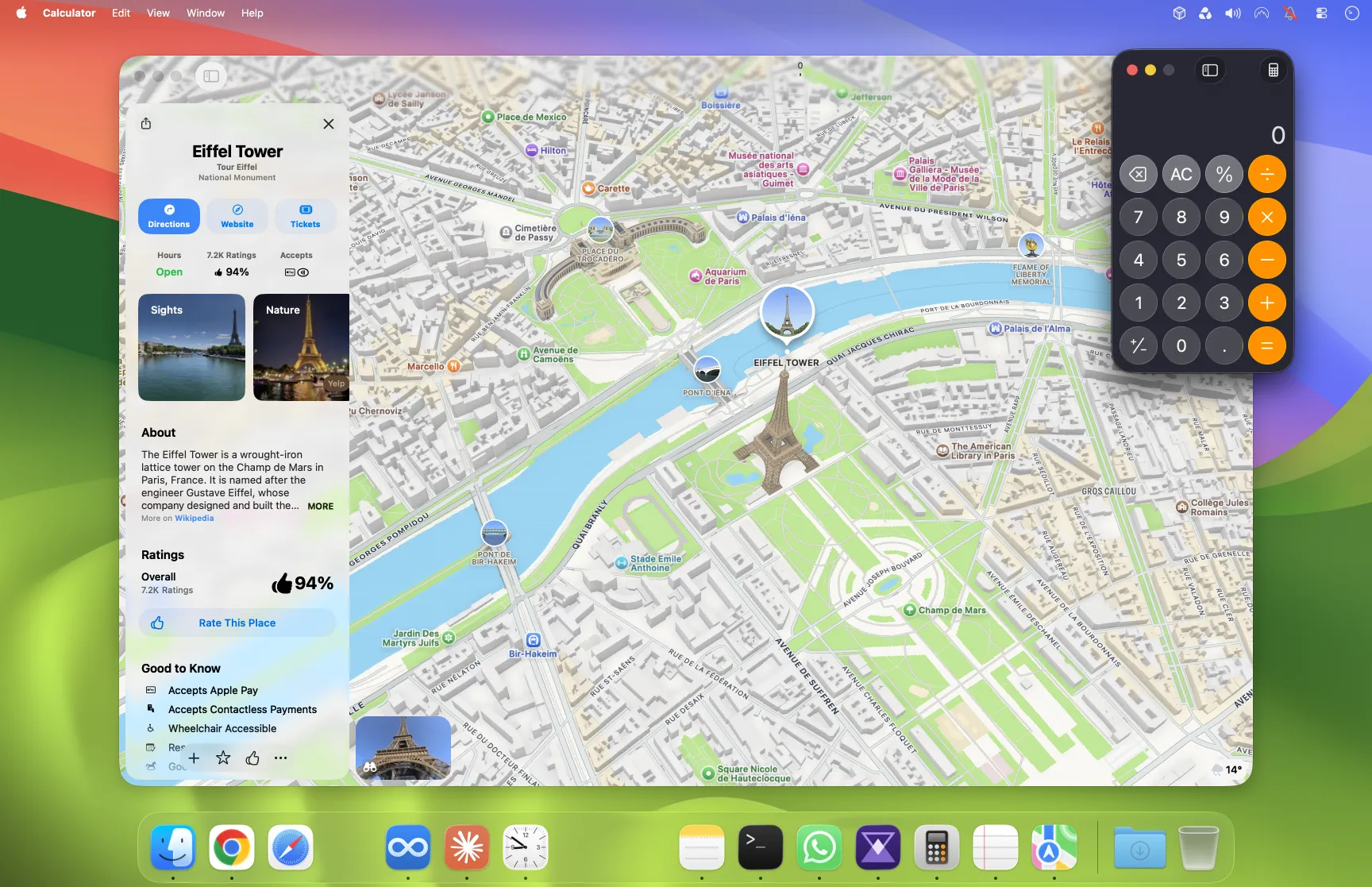
Hear the result.

Short spoken answers, live subtitles.

Press a question. Parviz answers out loud.

Your Mac stays decluttered.

Every task, one board.

See how your Mac stays decluttered

Working and Waiting · 7

TaskAgentStateDoing nowOpen
Tidy the Downloads folder
Claude
Working
Pondering…
Draft the newsletter
Codex
Working
Percolating…
Total the March invoices
Claude
Working
Mulling…
Rename the holiday photos
Codex
Waiting
Waiting for you
Fix the contact form
Claude
Working
Combobulating…
Plan the team offsite
Codex
Working
Clauding…
Summarise the meeting notes
Claude
Working
Moseying…

Switch seamlessly between your Claude and Codex subscriptions

Bring your own subscriptions.

See how switching works

Accounts

  • Claude Code

    sam@example.com

    72% left. Plenty left. Go ask for something big.

    In use
  • Codex

    sam.work@example.com

    18% left. Running low. Parviz moves on to the other one.

Leave your computer at home.

Optional: send a voice message from your phone.

See how your tasks stay under control

Parviz

Mac at home · online

Telegram
0:01

Running on your Mac at home. Send a voice note and I do the rest.

Interactive mock-up

Dictation is included. Free.

Parviz Whisper: press fn, speak, and your words are typed where your cursor is.

  • PrivateYour voice is turned into words on your Mac. It is never sent away.
  • Save $15Wispr Flow costs $15 a month. Included here.
  • FastYour words are down about a tenth of a second after you stop.

Parviz Whisper’s recording widget while it listens: an amber wave with small letters rising out of it
Parviz Whisper · Actual app, example text

Questions people ask

What does Parviz cost?

$20 a month. You keep this price forever.

Can I get a refund?

30 days trial. Get your money back, no questions asked. Ask on the Feedback page.

Does my voice leave my Mac?

No. Speech is turned into text on your Mac.

What do I need?

You need a Mac with an Apple chip, macOS 15+ and an AI subscription of your own.